
Drag across the wall to compare it before and after a wash.
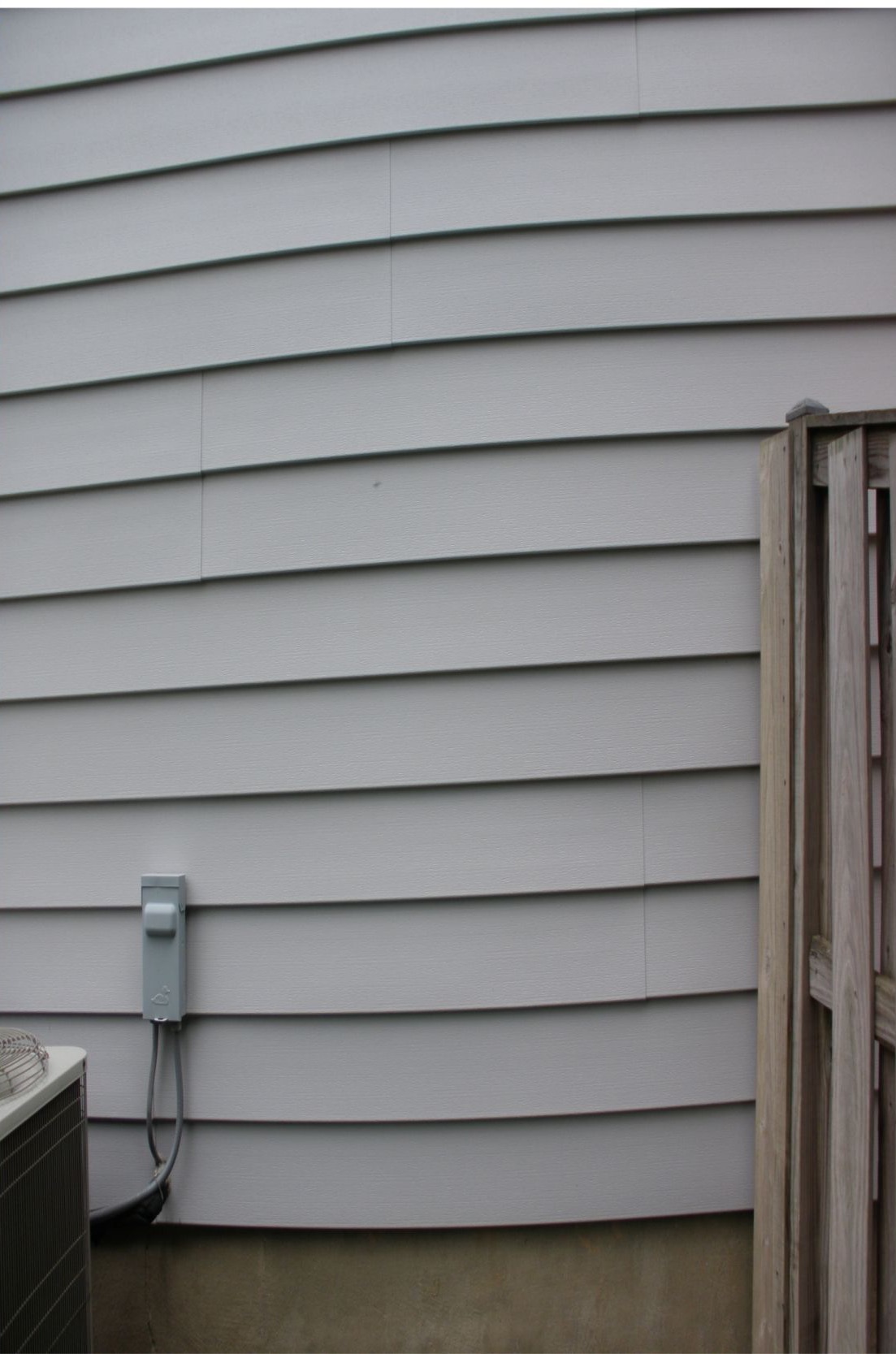
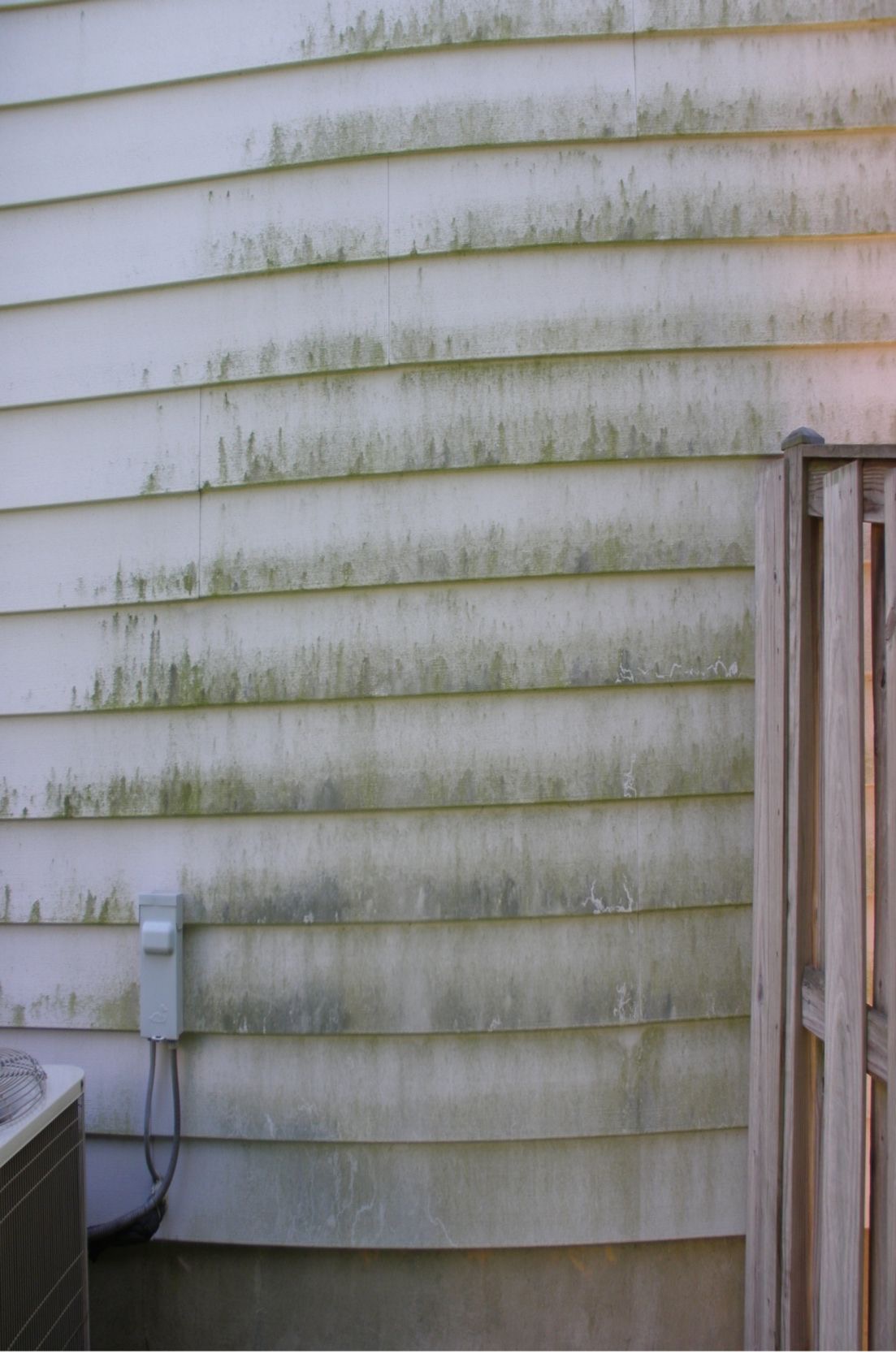 BEFORE
AFTER
Never forget the before photo.
Match the after. Share it in seconds.
Photos stay on the phone.
Photo by East Coast Powerwashing, Wikimedia Commons, CC BY-SA 3.0.

Three steps
For gardeners, cleaners, painters, builders, pressure washers, and detailers.
-
1
Take the before photo
The job starts on the first shutter. No form.
-
2
Line up the after
Get reminded, then match the shot with the ghost of the before photo.
-
3
Share the comparison
Side by side, or split with a dividing line. Clear BEFORE and AFTER labels.
The job isn't done until it is shared.
The photo gets forgotten in the same places on every job. OneTwoSnap puts a reminder there.
-
Before the job
It never gets onto the list
The day is already full. Taking a photo is not on your mind.
Reminder
Catch it before work starts
- Set a reminder for the time you expect to arrive.
- Pro A stop can ask whether you are at a job.
- If notifications are off, the home screen says so.
-
On arrival
Work starts before the photo
The tools come out, and the original look is gone.
Reminder
Ask before the first task
- The scheduled reminder arrives at that time, and again 10 minutes later if the before photo is still missing.
- Pro A saved job reminds you when you reach it, and again after 10 minutes.
- Pro A detected stop asks again after 10 minutes.
-
After the before photo
The after photo never gets planned
The before photo feels done. The job then runs longer than expected.
Reminder
Set the next one immediately
- Taking the before photo asks you to set the after reminder.
- From the alert, add 30 minutes or an hour.
- It asks again 30 minutes later if the after photo is still missing.
- If the work runs long, move that reminder on the job.
-
Leaving
The after photo is still missing
Cleanup and the next job take over. You remember once you are driving.
Reminder
One last chance while you are close
- The after reminder opens the right job.
- Pro Leaving a saved job tells you to take the after photo while you are close.
- Pro Leaving a detected stop asks too, when that job has no saved fence.
-
After the job
The result stays on the phone
The client never sees the work, and neither does the next customer.
Reminder
Share it while the job is fresh
- Share the labeled comparison with the client, or post it.
- If it has not been shared, a reminder comes the next day.
Arrive. Take the before photo. Match the after. Share the result.
Made for a workday
-
Ghost overlay
The before photo sits on the live camera, so the after shot lines up.
-
Time reminders
A nudge before the job, and again when it is time for the after photo.
-
No account
Photos, jobs, and reminders stay on the phone. You can also keep a copy in a folder you already sync.
-
Your name on the photo
Pro adds your business name and logo to the comparison.
-
Words to go with it
Pro writes a post, a customer message, and a suggested job name.
Free and Pro
Free is €0. Pro is €79.99 a year or €12.99 a month, before the store’s local price and tax.
| Feature | Free | Pro |
|---|---|---|
| Before and after photos | Included | Included |
| Time reminders | Included | Included |
| Side-by-side and split layouts | Included | Included |
| 5 comparison exports a month | Included | Not included |
| Unlimited exports | Not included | Included |
| Exports without a watermark | Not included | Included |
| Business name and logo | Not included | Included |
| Stacked layout | Not included | Included |
| Remind at a location | Not included | Included |
| Post text, customer message, and suggested job names | Not included | Included |
Pro is €79.99 a year, or €12.99 a month.
The store shows the price for your country and adds tax. The plan renews until you cancel at least 24 hours before the period ends. Reaching the export limit never blocks new photos.
Your photos stay on the phone
There is no account. Jobs and photos stay on the phone. You can keep a copy in a folder you already sync. Uninstalling the app deletes only the copy stored by the app. Pro writing sends a photo or some notes to OneTwoSnap, which uses Google to write the text and does not keep them.
Data and Privacy Policy